
How to Create 3D Lift Plans for Central PA Construction
Why 3d crane lift plans are Essential for Project Success
In the old days, lift planning involved a 2D blueprint, a paper load chart, and a lot of “gut feeling.” While experienced operators are incredible at what they do, modern job sites in Central Pennsylvania are more congested and complex than ever. Relying solely on 2D drawings is like trying to solve a Rubik’s Cube while only looking at one side.
A 3D crane lift plan acts as a virtual rehearsal. It allows us to identify “pinch points” or clearance issues in a digital environment where the only thing at risk is a few pixels, not a multimillion-dollar piece of equipment or, more importantly, human lives. This level of precision is a primary driver of project success. When we can show a client exactly how a crane will maneuver between two buildings with only inches to spare, it builds a level of confidence that paper charts simply cannot match.
According to research featured in the Engineering Matters podcast, planning a lift isn’t just about the crane’s capacity; it’s about considering every special feature of the environment. By using 3D lift planning services, we move from reactive problem-solving to proactive precision.
Enhancing Safety and OSHA Compliance
Safety isn’t just a buzzword for us at Sky Point Crane; it’s the foundation of everything we do. Crane collapses are tragically among the top three causes of crane-related fatalities in construction. Many of these incidents are preventable through proper adherence to OSHA Standard 1926.1402, which addresses ground conditions.
The beauty of 3d crane lift plans is their ability to calculate ground bearing pressure with mathematical certainty. We don’t just guess if the soil can hold the outrigger; the software simulates the pressure exerted at every degree of the swing. This allows us to design matting solutions that keep the crane stable and compliant. As we look toward the future of crane operations, digital risk assessment is becoming the industry standard for fatality prevention.
Maximizing Cost Efficiency
Efficiency and safety go hand-in-hand. When a crane arrives on a Central PA site and finds an unexpected obstacle—like a newly poured curb or an overhead line that wasn’t on the 2D map—the project grinds to a halt. Downtime in the crane world is incredibly expensive.
By using 3D lift plans, we ensure the equipment selection is optimized. We don’t bring a 300-ton crane for a job a 100-ton crane can handle just to “be safe.” Conversely, we don’t bring a crane that’s too small and forced to work at 98% capacity. We find the “Goldilocks” crane—the one that is technically suited and economically smart. Detailed site visualization allows us to see exactly where the crane should sit to minimize the radius and maximize the load chart’s efficiency.
Step-by-Step Guide to Creating a 3D Lift Plan
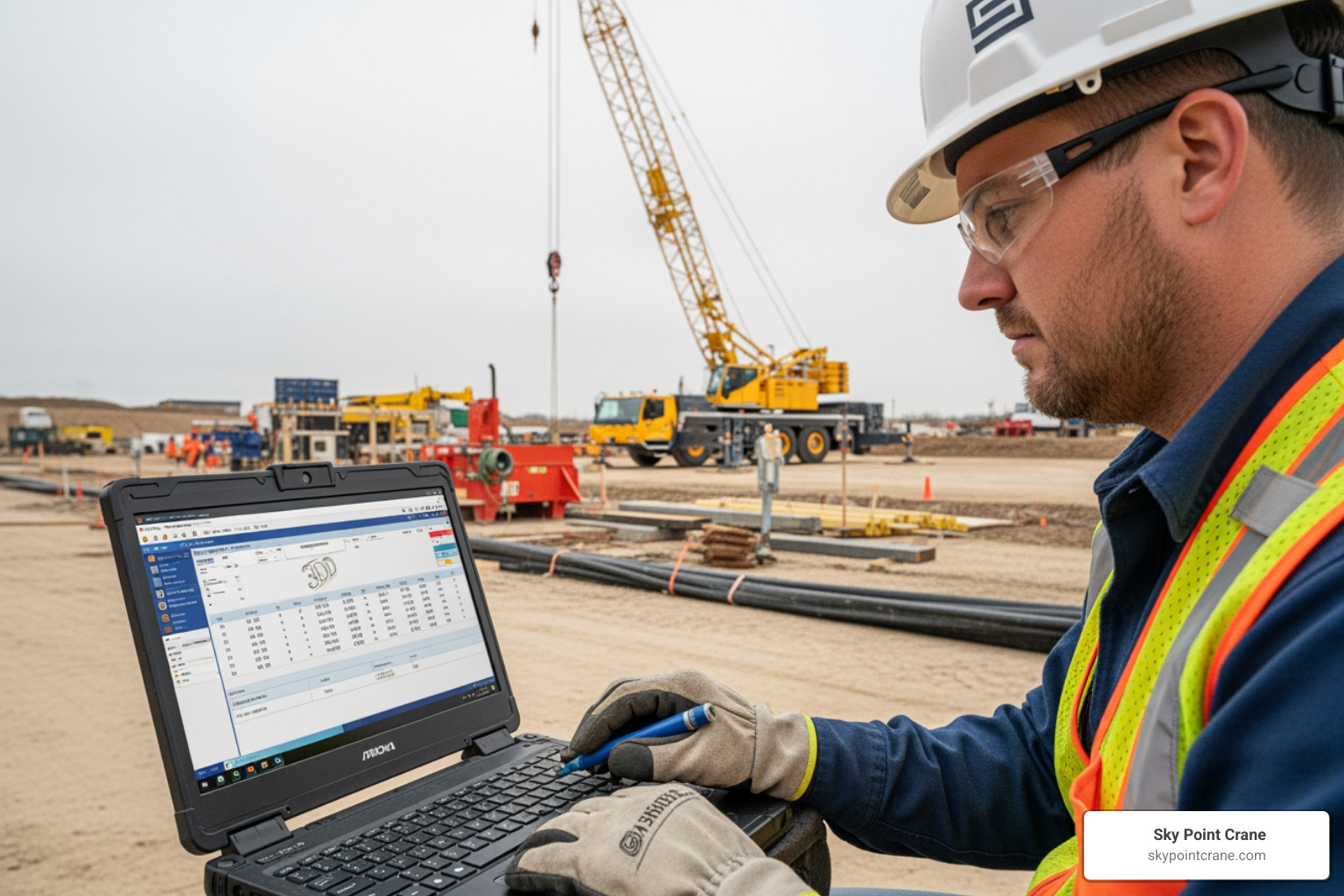
Creating a high-quality plan is a collaborative process. It’s a mix of high-tech data entry and old-fashioned “boots on the ground” site assessment. If you want to see the process in action, you can explore our 3D lift plan videos guide for a visual walkthrough.
Gathering Critical Load and Site Data
The old saying “garbage in, garbage out” applies perfectly here. A plan is only as good as the data we feed it. We start by gathering the “Big Four”:
- Gross Weight: This includes the object itself, plus all rigging, blocks, and even the headache ball.
- Dimensions: Height, width, and length are vital for clearance.
- Center of Gravity: If the load is lopsided, the rigging must account for it to prevent tilting.
- Site Elevations: Central PA isn’t exactly flat. We need to know the elevation of the crane pad versus the elevation of the final load placement.
We also map out “no-fly zones” and obstacles. This includes trees, buildings, and underground utilities that might be crushed by outrigger pressure. Following a 3D lift plan tutorial helps ensure no detail is missed during this phase.
Selecting the Right Crane and Rigging in 3d crane lift plans
Once the data is in, we dive into the crane library. Modern software like 3D Lift Plan contains data for more than 900 different crane models from manufacturers like Link-Belt, Manitowoc, Tadano, and Grove. We can toggle through different boom lengths, counterweight configurations, and jib offsets to find the perfect fit.
Rigging design is just as critical. The software helps us calculate sling angles—keeping them above 45 degrees whenever possible to avoid excessive tension—and ensures every shackle and spreader bar is within its rated capacity. If you’ve ever wondered how to add a crane on 3D lift plans, it involves selecting the specific make and model and then configuring it to match the actual equipment we’ll be sending to your job site.
Simulating the Lift and Calculating Ground Pressure
This is where the magic happens. We run a full simulation of the lift from the initial pick point to the final set point. We check the “tail swing”—the back of the crane where the counterweights are—to make sure it doesn’t clip a nearby structure as the crane rotates.
Crucially, the software calculates the outrigger pressure at every point of the lift. If the pressure exceeds the ground’s bearing capacity, we can virtually “test” different matting solutions—like timber mats or steel plates—until the pressure is safely distributed. This level of simulation is why 3D Lift Plan software is considered the industry standard for critical lift planning.
Comparing Top 3D Lift Planning Software Options
Not all software is created equal. Depending on the complexity of the job in Pittsburgh or Central PA, we might use different tools.
| Feature | 3D Lift Plan (A1A Software) | Crane Planner 2.0 (Liebherr) | LiftPlanner |
|---|---|---|---|
| Platform | Browser-based | Desktop / Mobile | Desktop (Excel/AutoCAD) |
| Crane Library | 900+ Models (Multi-brand) | Liebherr Specific | Custom / User Defined |
| BIM Integration | Yes | Yes | Limited |
| Ease of Use | High (Drag & Drop) | High (3D Visuals) | Moderate (Requires CAD) |
| Key Strength | Industry standard, versatile | Exact machine logic | Great for CAD power users |
For those looking to explore these tools, some manufacturers offer 30-day trial licenses to test their “Pro” features. If you are a project manager looking to keep a copy of the plan on your local machine, you might look into 3D lift plan downloads for desktop versions.
Browser-Based vs. Desktop Tools
At Sky Point Crane, we often prefer browser-based tools like the updated 3DLiftPlan.com. Because it’s in the cloud, it offers mobile-friendly chart searches and real-time updates without needing a heavy software installation. This makes it easier to share virtual 3D lift plans with stakeholders instantly.
However, desktop tools still have their place, especially when we need deep CAD integration for massive industrial projects where the crane plan needs to live inside a larger building information model (BIM).
Common Mistakes to Avoid in 3D Lift Planning
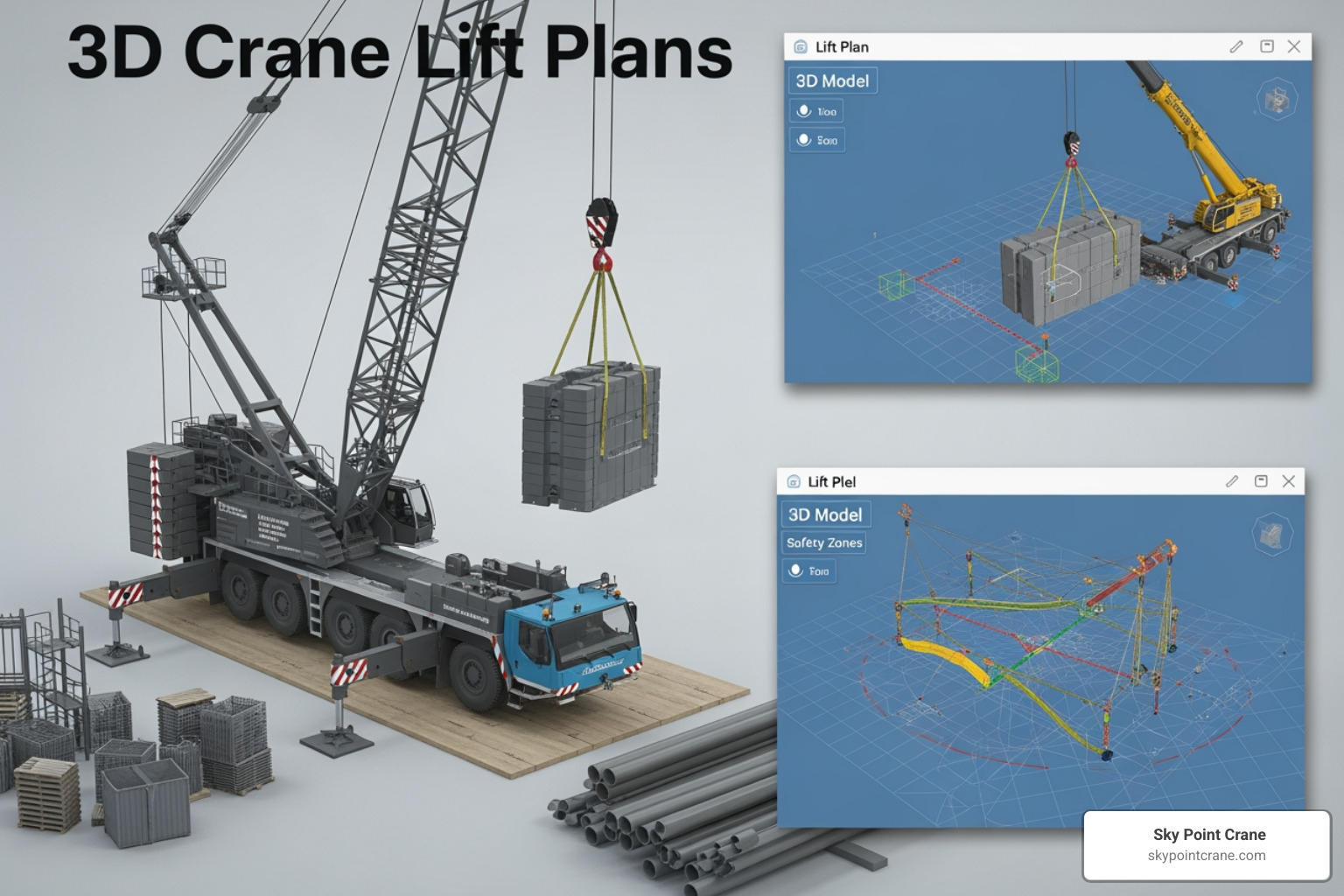
Even with the best software, human error can creep in. One of the biggest mistakes is “lazy data entry”—rounding down a load weight or guessing a radius. In 3d crane lift plans, a five-foot error in radius can be the difference between a safe lift and a structural failure.
Another common pitfall is ignoring dynamic factors. Wind is a major player in Central PA. We typically recommend a 10% capacity reduction for outdoor lifts to account for wind gusts and dynamic swinging. If you don’t account for the “sail area” of the load, the plan isn’t worth the paper it’s printed on. This is why continuous 3D lift planning and review are necessary throughout the project lifecycle.
Overlooking Ground Bearing Pressure and Site Obstacles
Never assume the ground is solid just because it looks dry. We’ve seen projects where a crane was nearly set up over a forgotten underground storage tank or a utility vault. A proper 3D plan should include a geotechnical report or at least a thorough underground utility sweep.
Communication gaps are also a “silent killer” of project budgets. If the lift plan says the crane will sit in Spot A, but the site supervisor allows a pile of gravel to be dumped there the night before, the plan is void. Real-time coordination between the planning team and the field crew is non-negotiable.
Frequently Asked Questions about Lift Planning
How 3d crane lift plans Improve Stakeholder Communication?
Imagine trying to explain a complex three-crane tandem lift using only words. Now imagine showing a 3D animation of it. The visual nature of these plans acts as a universal language. It allows owners, general contractors, and safety officers to see the “final outcome” before it happens. This transparency builds trust and ensures everyone is literally on the same page.
What training is required to master 3D lift planning software?
While the software is intuitive, it requires a deep understanding of crane physics. Our planners are often Level 2 professionals with NCCCO certifications. It’s not just about knowing which buttons to click; it’s about knowing why a 45-degree sling angle is better than a 30-degree one. We combine software tutorials with decades of field experience to interpret the results correctly.
Can 3D lift plans be integrated with BIM and project management software?
Absolutely. Modern plans can be exported into BIM 360 or integrated with project schedules like Primavera P6. This allows the crane lift to be “baked into” the overall construction timeline, ensuring that the crane arrives exactly when the site is ready for it, further streamlining the workflow and reducing costs.
Conclusion
At Sky Point Crane, we believe that every successful lift starts long before the crane engine turns over. By utilizing 3d crane lift plans, we bring a level of safety, efficiency, and professionalism to Central PA construction that was once thought impossible. Whether you are working in the heart of Pittsburgh or a remote site in West Virginia, our goal is to provide a “dress rehearsal” for your most challenging projects.
Ready to see the difference a digital “dry run” can make? We’d love to help you visualize your next success. Request a 3D lift planning quote today and let’s get your project moving safely.